 EN
EN


How Can a Monitor Mount Improve Visibility and Ergonomics in Work Environments
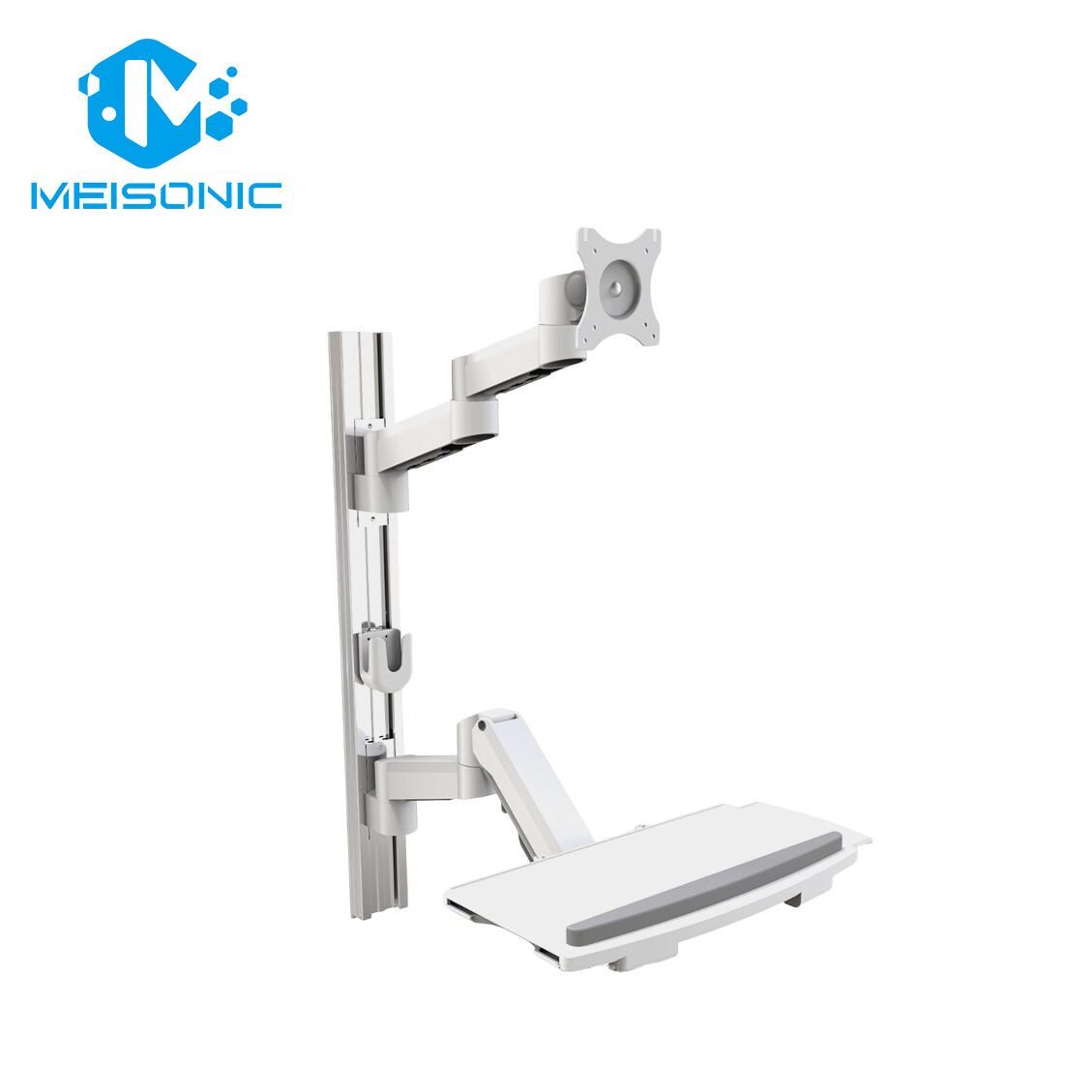
In modern work environments—whether offices, smart factories, medical stations, or laboratories—clear visibility and ergonomic comfort are essential for productivity and worker well-being. A monitor mount is one of the simplest upgrades that delivers a major improvement in both areas, transforming how users interact with their screens throughout the day.
1. Improve Visibility With Precise Screen Positioning
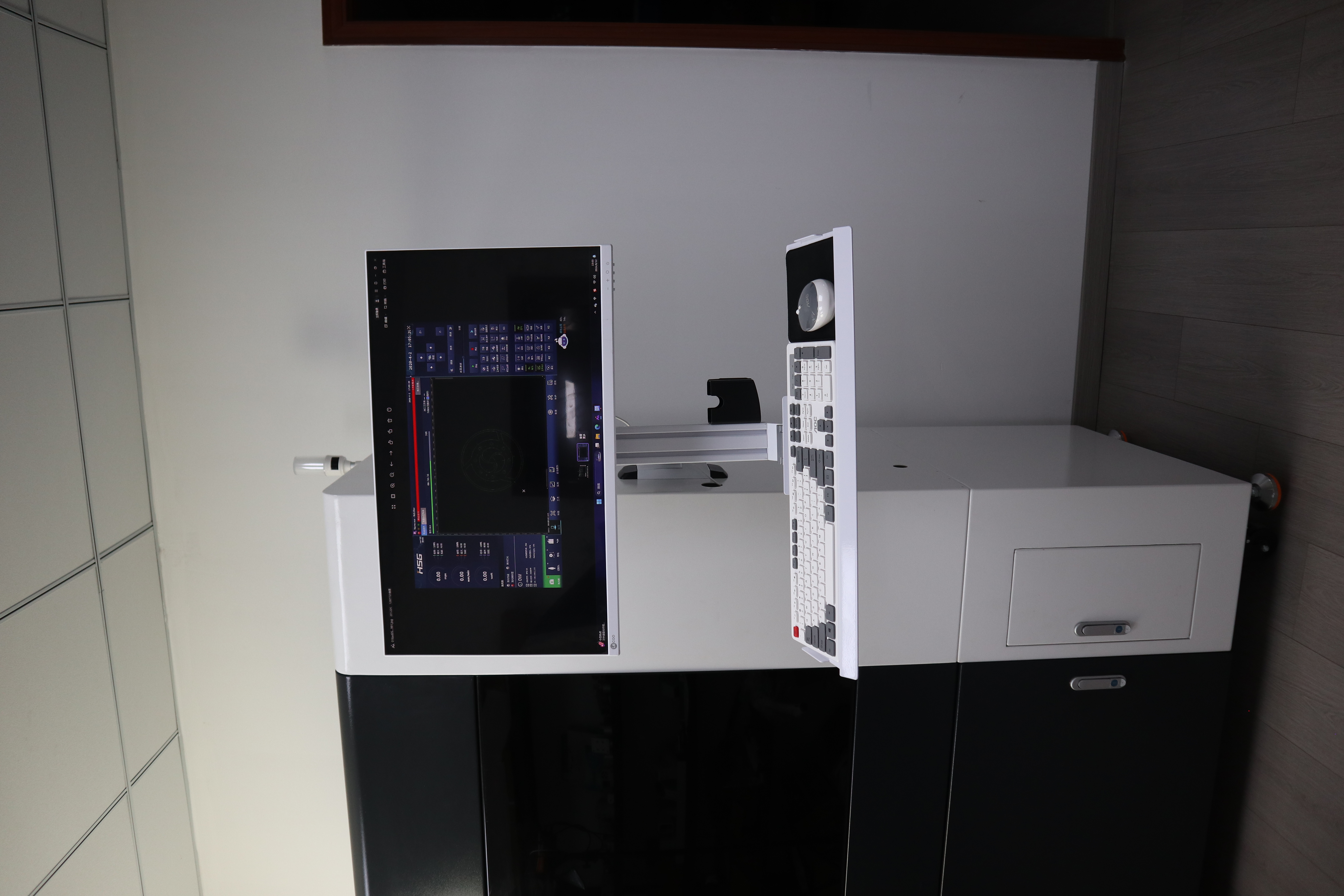
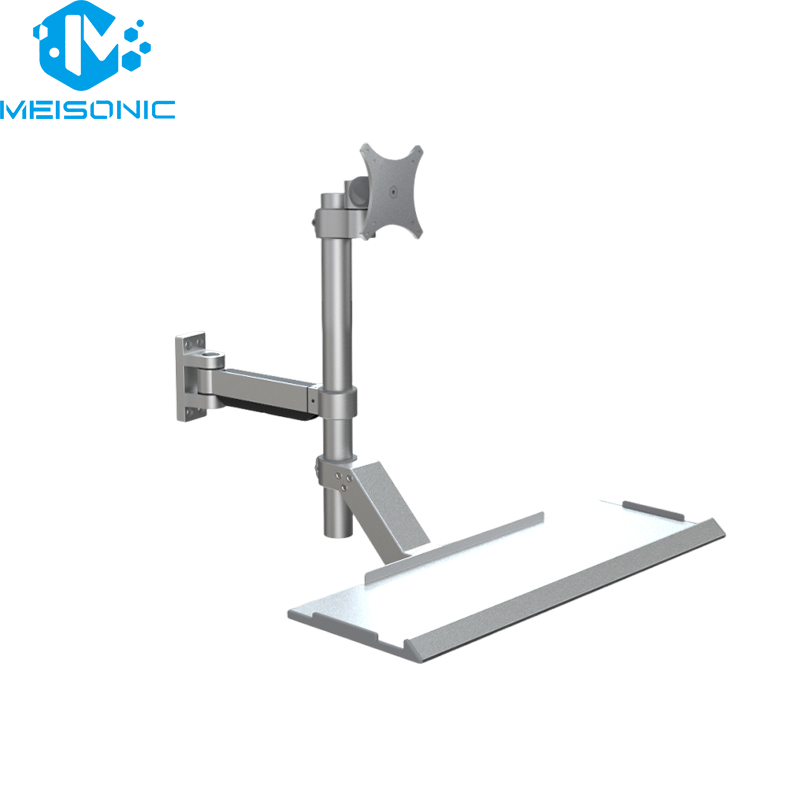
A monitor mount allows users to fine-tune their screen’s height, angle, tilt, and distance, ensuring the display sits exactly where it’s easiest to see. This helps eliminate glare, reduces visual strain, and allows workers to view data more accurately—crucial for environments like production monitoring, medical diagnostics, and technical analysis.
2. Support Healthy Ergonomics and Reduce Strain
Ergonomics has a direct impact on comfort and long-term health. Fixed monitors often cause workers to hunch or twist their necks. A monitor mount brings the screen to the user—not the other way around—promoting a neutral posture that reduces neck, shoulder, and eye fatigue. Over time, this contributes to better comfort and fewer workplace injuries.
3. Maximize Workspace Efficiency
By lifting monitors off crowded surfaces, monitor mounts free up valuable desk or equipment space. This clearer layout improves workflow, especially in compact or equipment-heavy environments such as electronic workbenches, hospital carts, and industrial control stations. A cleaner workspace also supports better organization and faster task switching.
4. Adapt to Different Tasks and Work Styles
Modern workflows require flexibility. Monitor mounts allow quick repositioning for sitting, standing, multi-person viewing, or tool-intensive tasks. Whether a worker needs a close-up view for inspection or a shared angle for collaboration, the display can be adjusted instantly to match the scenario.